
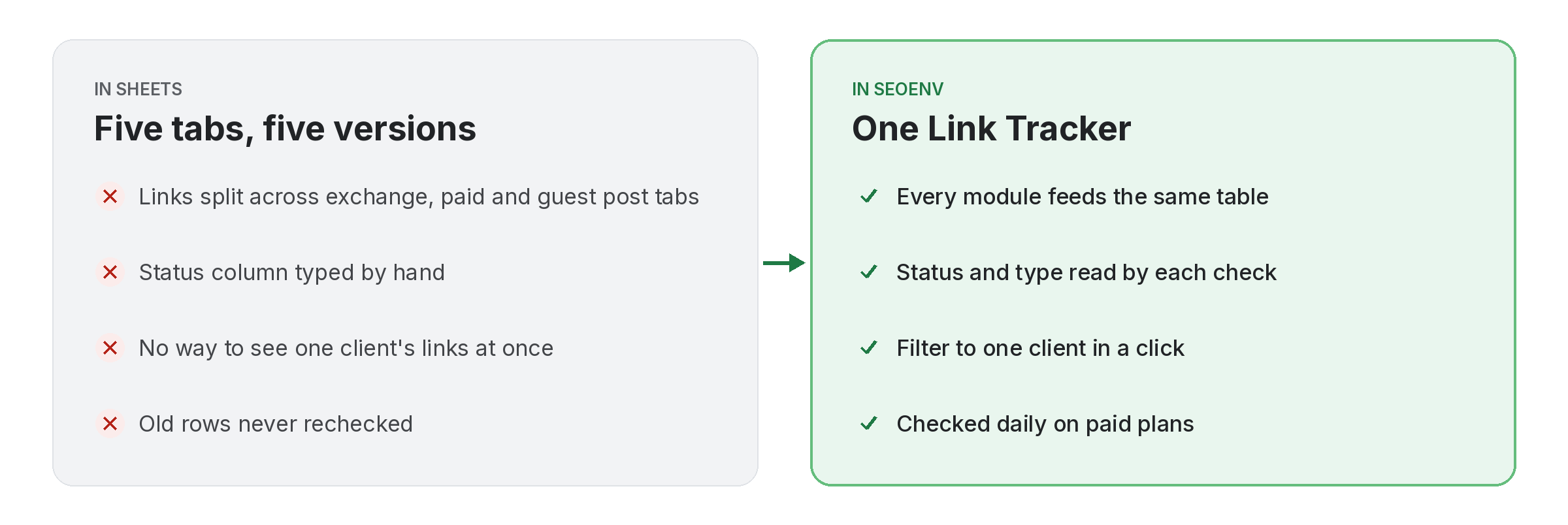
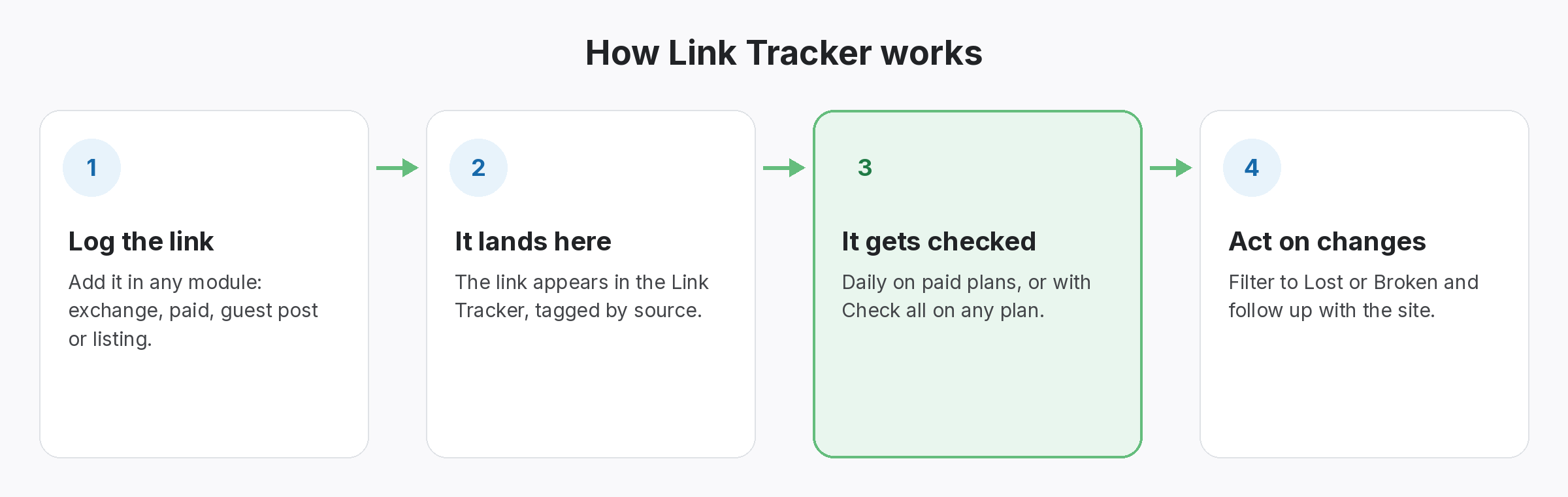
Most link builders keep links in five places: an exchange sheet, a paid links tab, a guest post board, a directory list and their inbox. The Link Tracker replaces that with one table. Whatever module you log a link in, it appears here too, tagged with where it came from.
Each row shows the source page, the target URL, the anchor, the client, the status (Active, Pending, Lost or Broken) and the type (Dofollow, Nofollow or Unknown). You can filter by client, status or type, search a domain, and export the list as CSV whenever you need it.
Link Tracker does not work alone. It shares data with Link Status Report, which handles active, Pending, Lost and Broken links, per client; Usage, which handles see how much of your plan you are using; and CSV import & export, which handles bring your sheets in and take your data out. Because every module writes to the same account, a link you log once can be checked, reported on and analysed without retyping it.
Why teams use Link Tracker
Every benefit listed here is part of the live app today.
Getting the most from Link Tracker
Who uses this.
What a link tracker should record for each link
A link tracker is only useful if each row says more than “found”. It should record the rel value too, because Google asks site owners to qualify outbound links with nofollow, sponsored or ugc, and a link that changes from dofollow to nofollow is worth a lot less to you.
Related: Link Status Report, Usage, CSV import & export; solutions: backlink monitoring, backlink spreadsheet alternative; or see all features.
