
Dashboard

Backlink dashboard: your whole account at a glance

The backlink dashboard is your starting point in SEOENV: an overview of your account, so you know where to begin.

Free plan: 20 links, 2 clients, 2 projects. Paid plans from $29/mo.

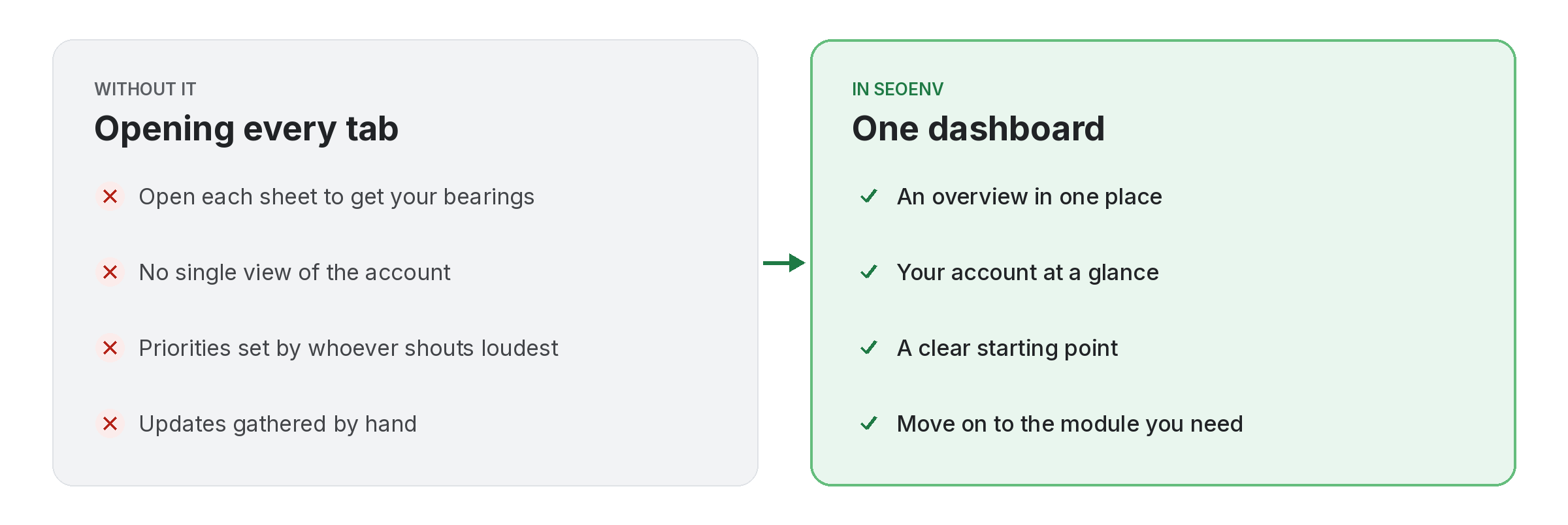
Comparison of tracking dashboard work by hand versus with Dashboard in SEOENV

When you log in you want to get your bearings before you dive into the detail. The Dashboard gives you an overview of your account in one place, so you do not have to open every module first.

From there you move into the module you need, such as the Link Tracker for the full list of links.

Dashboard does not work alone. It shares data with Link Tracker, which handles every link from every module in one filterable table; Link Status Report, which handles active, Pending, Lost and Broken links, per client; and Usage, which handles see how much of your plan you are using. Because every module writes to the same account, a link you log once can be checked, reported on and analysed without retyping it.
How it works

Dashboard in four steps

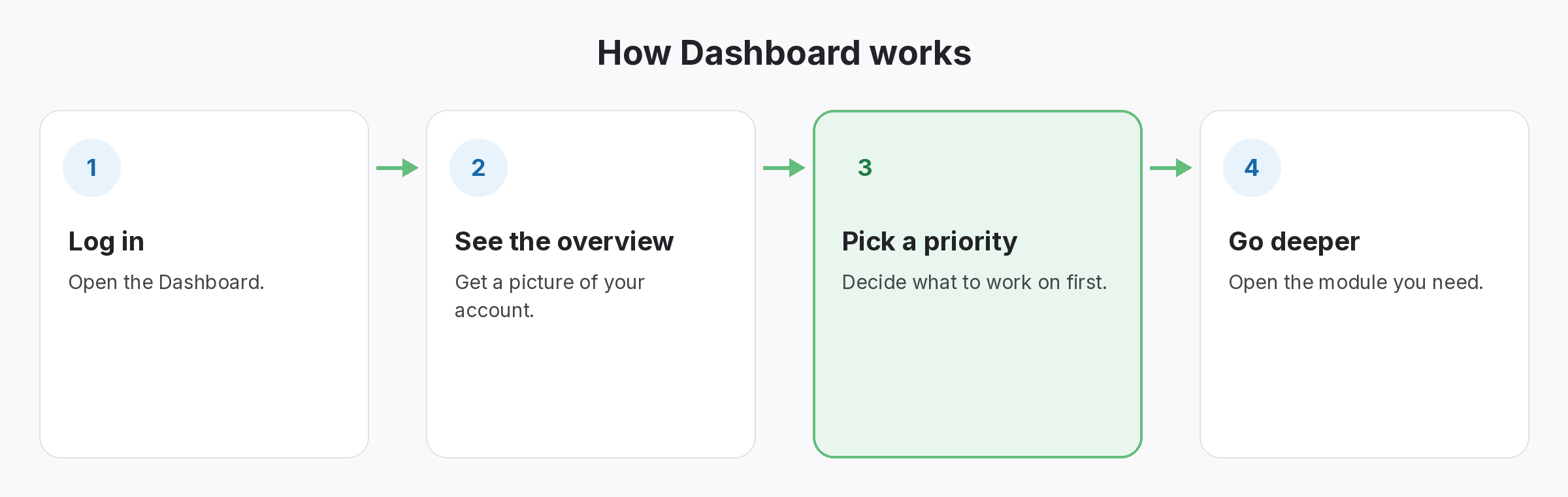
Four-step diagram of how Dashboard works in SEOENV: Log in, See the overview, Pick a priority, Go deeper
  • Log in: Open the Dashboard.
  • See the overview: Get a picture of your account.
  • Pick a priority: Decide what to work on first.
  • Go deeper: Open the module you need.
Benefits

Why teams use Dashboard

Every benefit listed here is part of the live app today.

Tips

Getting the most from Dashboard

  • Start each session on the Dashboard to get your bearings.
  • Use it as a quick check before client calls, then open the Link Status Report for details.
  • Share the same starting point with your team.
  • On the Free plan, run Check all when you want fresh statuses.
Who it’s for

Who uses this.

What a backlink dashboard should help you decide

A backlink dashboard is useful when it helps you decide what to do next, not when it fills a screen with charts. Start with the links that need attention, and use Google’s guide to link attributes to judge which type changes matter.

Related: Link Tracker, Link Status Report, Usage; solutions: agency link management, backlink monitoring; or see all features.

Related

Related features and solutions

FAQ

Questions about Dashboard

Your starting point in SEOENV: an overview of your account.
Starter, Growth and Enterprise run automatic daily link checks. On the Free plan you run checks yourself with Check all, and any plan can run Check all at any time.
No. Clients see only what you send them through a read-only client share link.
In the Link Tracker, which lists every link from every module.

Start every day with the full picture.

Start free and see your account at a glance.

Free plan: 20 links, 2 clients, 2 projects. Paid plans from $29/mo.