
Branded link building reports and invoices from the same data
The links you track become your link building reports. Add your branding, send a read-only share link and raise the invoice without leaving the account.
Free plan: 20 links, 2 clients, 2 projects. Paid plans from $29/mo.
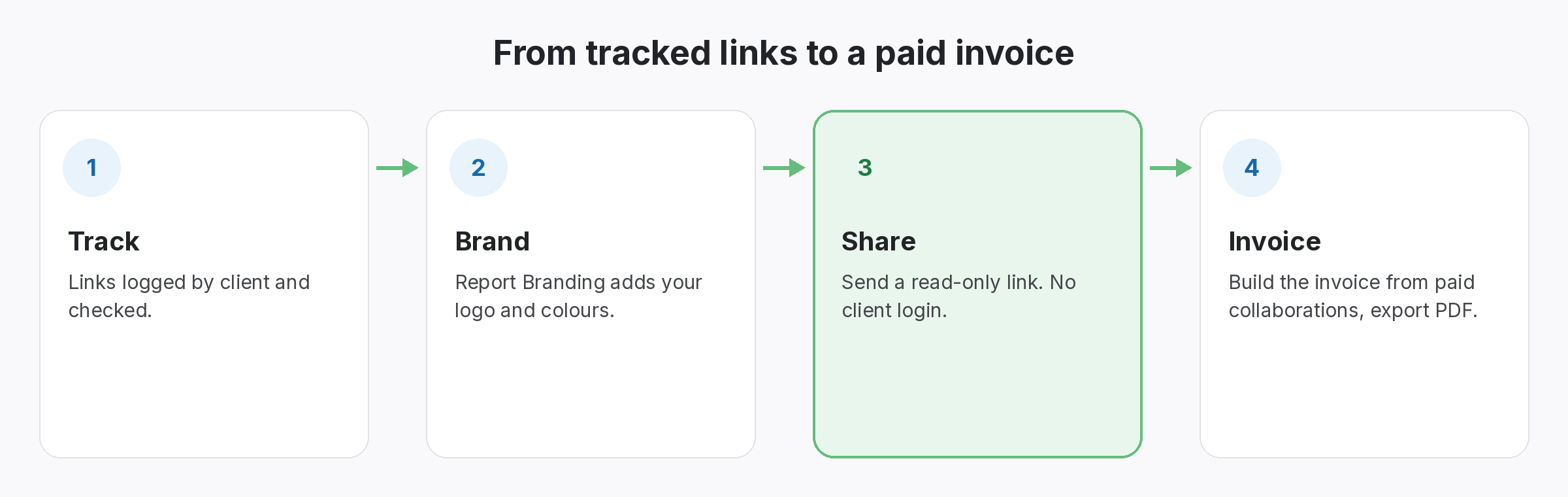
Reporting takes a day. Invoicing takes another.
The work is done. Showing it should not be the hard part.
Every month the same routine: copy rows into a template, add a logo, export, email, then build the invoice in a different tool from a different list. Clients get something that looks homemade, and nobody is sure the invoice matches the links that were actually delivered.
Clients rarely question the links themselves. They question what they cannot see: whether last quarter’s links are still there, and whether the invoice matches the work. A report built from checked links answers the first question, and an invoice built from the same records answers the second. Doing both from one place also removes the monthly copy-paste that eats into billable time.
Your brand, your client’s links.
A read-only link your client opens without an account.
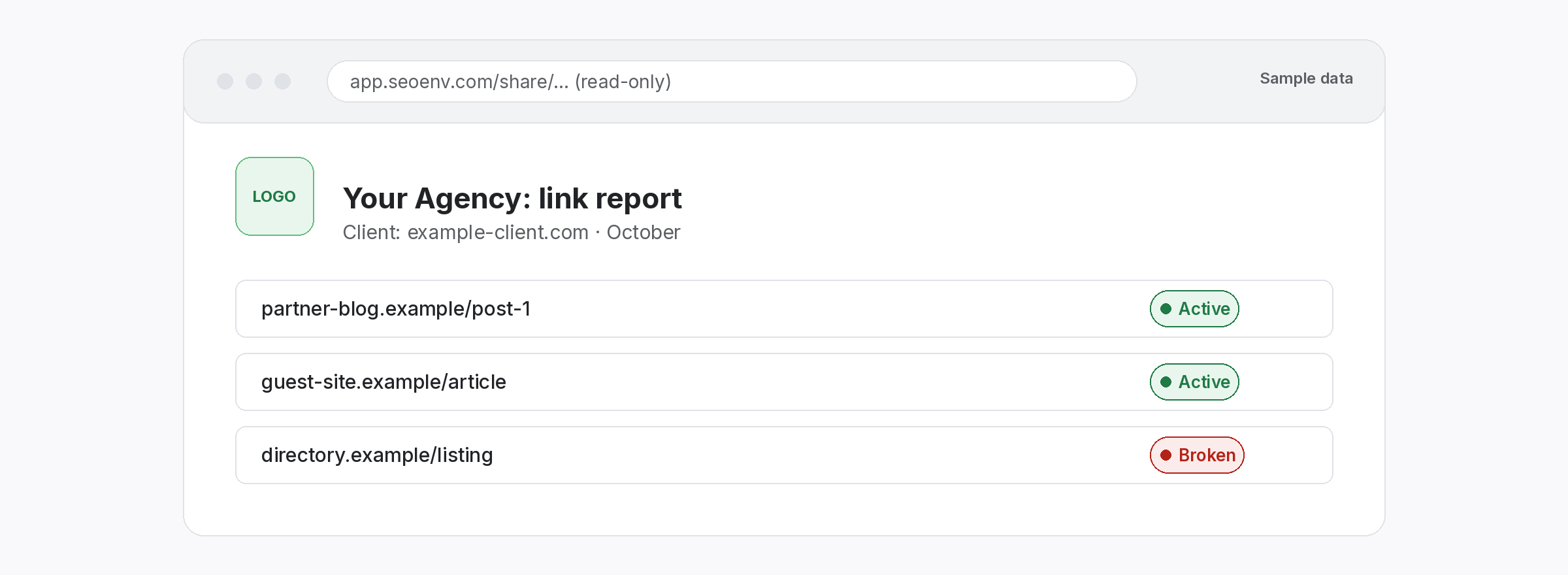
The Link Status Report for a client doubles as their report. Report Branding adds your logo and colours, and a share link lets the client open it without a login. It reflects the latest checks.
Bill from the work.
Invoices built from paid collaborations.
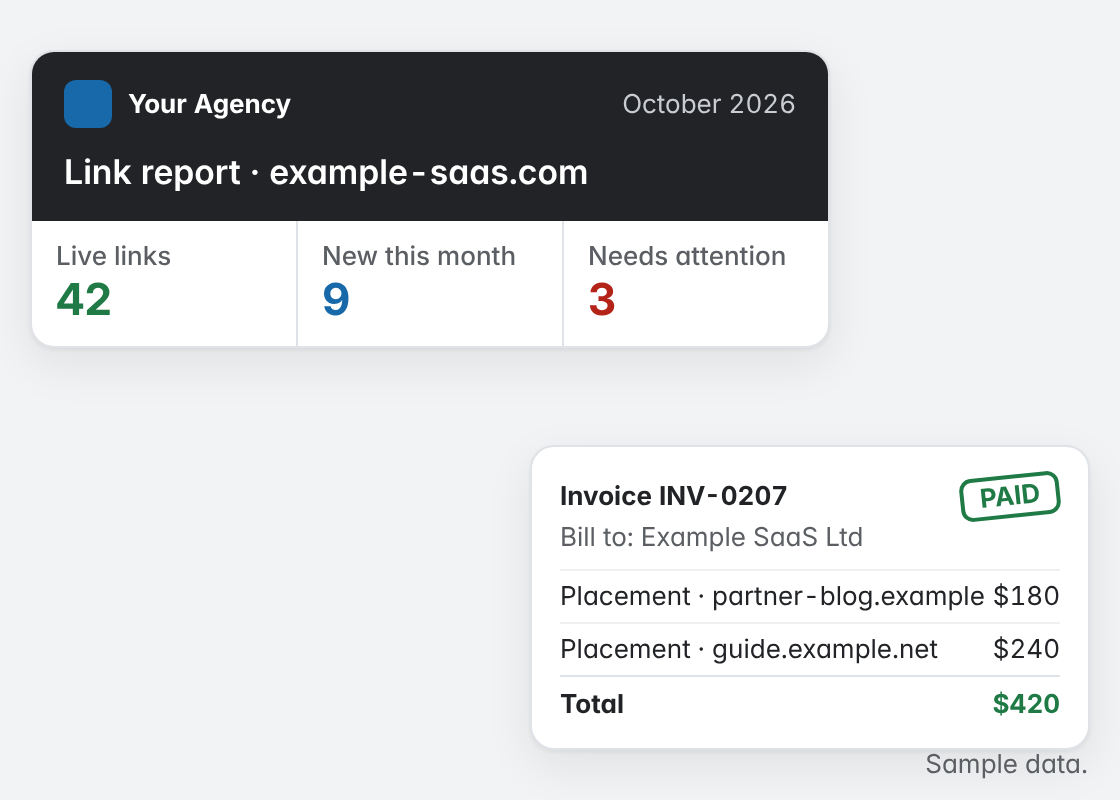
The Invoice Generator builds invoices from the paid collaborations you logged, marks them paid and exports a PDF. The invoice and the links it covers come from the same record.
What makes a link report useful.
Report it. Share it. Bill it.
All from the links you already track.
The tools behind client reporting.
Every feature listed here is live in the app today.
We stopped building reports by hand when we realised the report was just a filtered view of the links we already checked. Scheduled report emails and white-label PDF reports are not available today; share links are.
The SEOENV team · Last updated 14 October 2026
Who uses this.
Where this fits in SEOENV.
What clients look for in link building reports
Good link building reports show each link, its status and its rel type. For example, a client may ask why a link is nofollow; in that case, Google’s page on qualifying outbound links explains the values. Because of this, the report should show the type next to the status.
Similarly, reports draw on backlink monitoring and paid link tracking. Also see agency link management and the backlink manager overview.
