
CSV import & export and client filter & search

Backlink CSV import and export, plus filter and search

Backlink CSV import brings your existing sheets into SEOENV, CSV export takes your data out any time, and client filter and search help you find anything fast.

Free plan: 20 links, 2 clients, 2 projects. Paid plans from $29/mo.
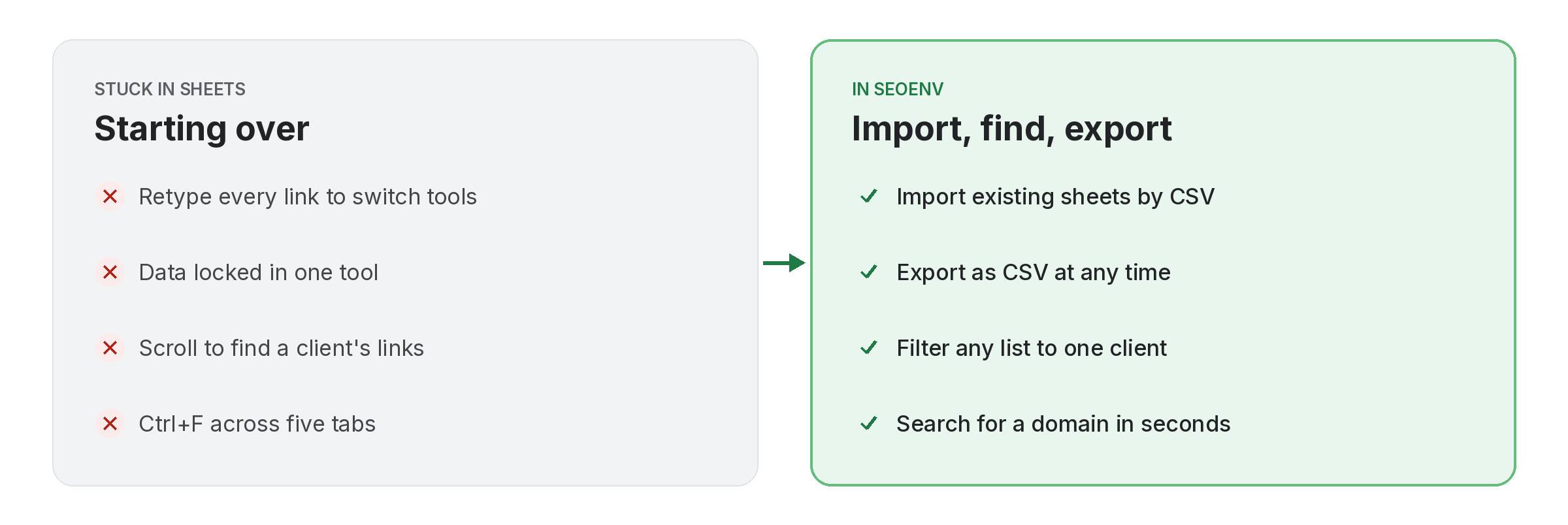
Comparison of tracking csv import & export and client filter & search work by hand versus with CSV import & export and client filter & search in SEOENV

Nobody starts from zero. CSV import lets you bring in the sheets you already have, mapping your columns to SEOENV’s fields so the source URL, target, anchor, client and partner land in the right place.

Your data stays yours: export links as CSV whenever you want. And once everything is in, client filter and search narrow any list to one client or find a domain in seconds.

CSV import & export and client filter & search does not work alone. It shares data with Link Tracker, which handles every link from every module in one filterable table; Clients, which handles every link tied to the client it was built for; and Usage, which handles see how much of your plan you are using. Because every module writes to the same account, a link you log once can be checked, reported on and analysed without retyping it.
How it works

CSV import & export and client filter & search in four steps

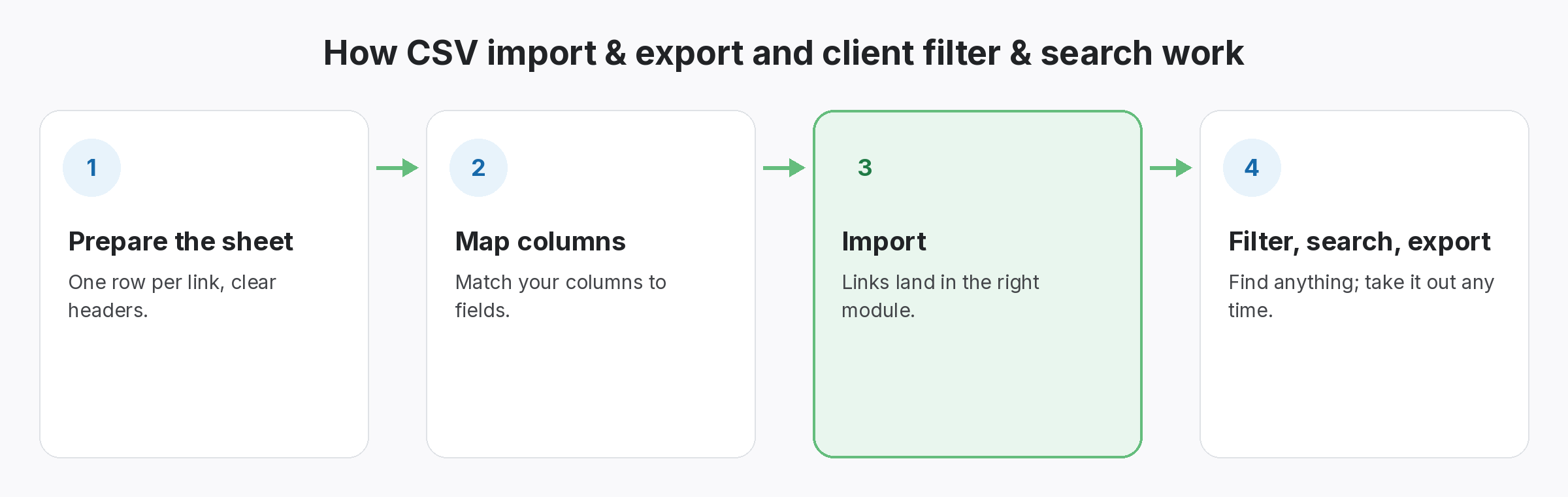
Four-step diagram of how CSV import & export and client filter & search works in SEOENV: Prepare the sheet, Map columns, Import, Filter, search, export
  • Prepare the sheet: One row per link, clear headers.
  • Map columns: Match your columns to fields.
  • Import: Links land in the right module.
  • Filter, search, export: Find anything; take it out any time.
Benefits

Why teams use CSV import & export and client filter & search

Every benefit listed here is part of the live app today.

Tips

Getting the most from CSV import & export and client filter & search

  • Clean the sheet first: one row per link and one header row.
  • Import one module at a time, so links land in the right place.
  • Check a few imported rows against the original before importing the rest.
  • Export a CSV regularly as your own backup.
Who it’s for

Who uses this.

Preparing a file for backlink CSV import

A clean backlink CSV import starts with a clean file. Follow the common CSV format: one header row, one row per link, and quotes around values that contain commas.

Related: Link Tracker, Clients, Usage; solutions: backlink spreadsheet alternative, agency link management; or see all features.

Related

Related features and solutions

FAQ

Questions about CSV import & export and client filter & search

Yes. Save it as CSV and map your columns to SEOENV’s fields when you import.
Yes. You can import and export CSV on every plan, including Free.
Typically the source URL, target URL, anchor, client and partner, with one row per link.
Yes. Lists can be filtered to one client, and you can search for a domain.
Yes. Imported links count toward your plan like any other link: 20 on Free, 500 on Starter, 5,000 on Growth and unlimited on Enterprise.

Bring your sheets. Keep your data.

Start free and import your first 20 links.

Free plan: 20 links, 2 clients, 2 projects. Paid plans from $29/mo.