
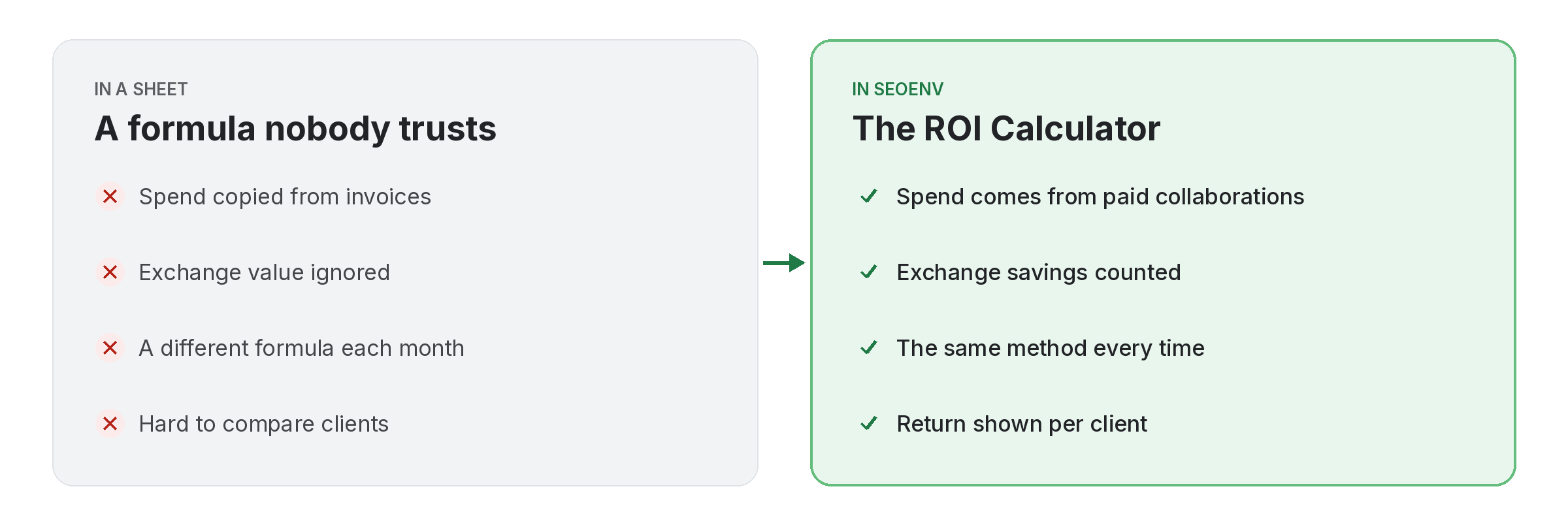
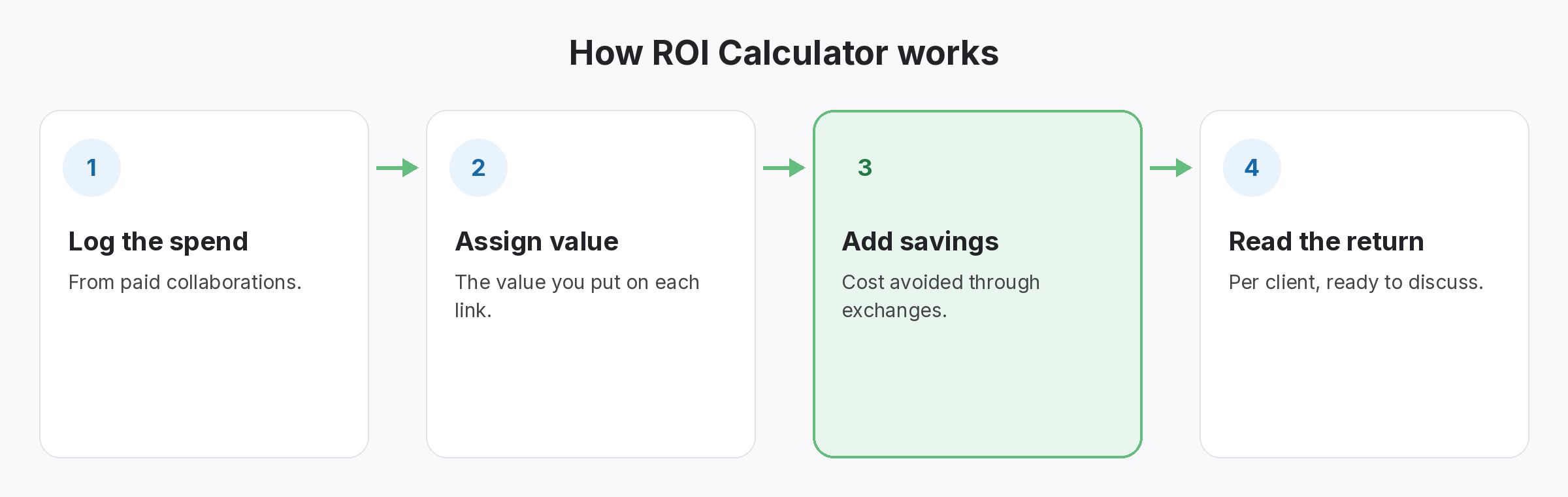
Clients ask whether the budget was worth it. The ROI Calculator answers with your own data: the spend from paid collaborations, the value you assign to each link, and the cost you avoided by getting links through exchanges.
Because it uses the records you already keep, you do not build a separate spreadsheet. You can look at the return per client, which helps when you decide where to put next month’s budget.
ROI Calculator does not work alone. It shares data with Paid Collaborations, which handles vendor, cost, payment status and the live link; Invoice Generator, which handles invoices from paid collaborations, exported as PDF; and Anchor Text Heatmap, which handles see the anchor mix and spot over-optimised anchors. Because every module writes to the same account, a link you log once can be checked, reported on and analysed without retyping it.
Why teams use ROI Calculator
Every benefit listed here is part of the live app today.
Getting the most from ROI Calculator
Who uses this.
How a link building ROI calculator works out return
A link building ROI calculator follows the usual idea of return on investment: what you got back compared with what you put in. In SEOENV the value side is the link value you assign plus the cost you saved through exchanges.
Related: Paid Collaborations, Invoice Generator, Anchor Text Heatmap; solutions: paid link tracking and roi, client reports and invoices; or see all features.
