
Report Branding

Report Branding for white label link reports

Report Branding adds your logo and colours to the reports clients open, so your white label link reports look like they came from you.

Free plan: 20 links, 2 clients, 2 projects. Paid plans from $29/mo.

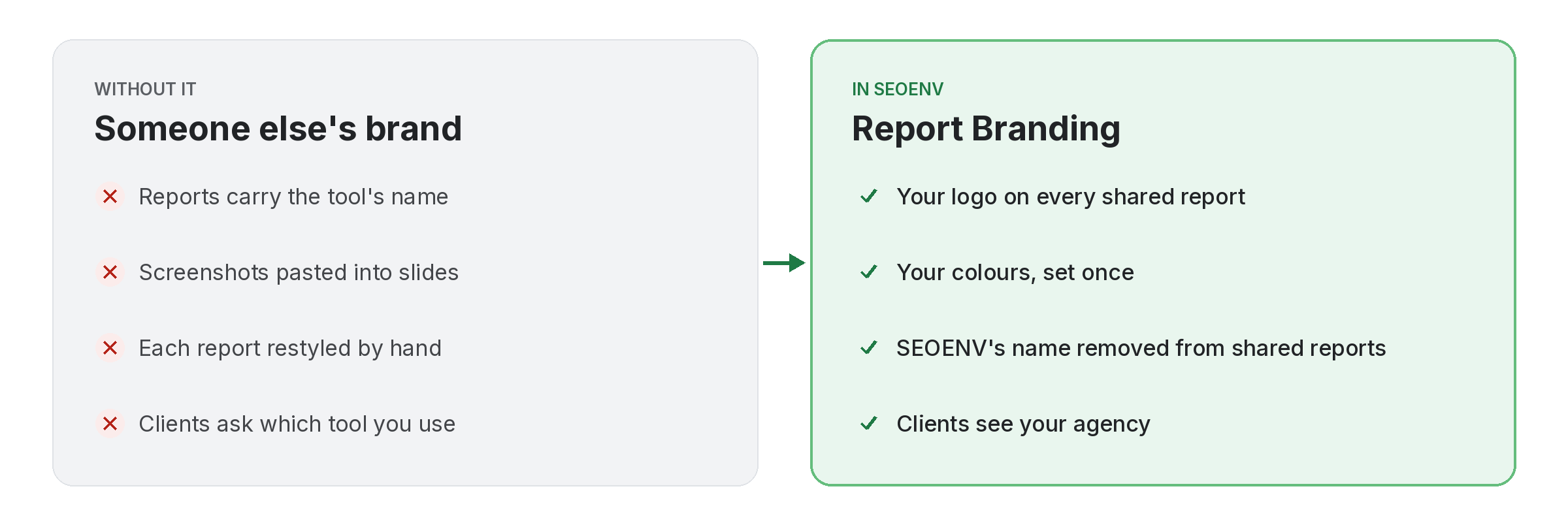
Comparison of tracking report branding work by hand versus with Report Branding in SEOENV

Clients remember who sent the report. Report Branding lets you put your agency’s logo and colours on shared reports, and removes SEOENV’s name from them, so the report reads as yours.

You set the branding once and it applies to client share links. Combined with per-project share links, it means a client opens a clean, branded report of their own work.

Report Branding does not work alone. It shares data with Client share links, which handles a read-only report link. No client login needed; Link Status Report, which handles active, Pending, Lost and Broken links, per client; and Invoice Generator, which handles invoices from paid collaborations, exported as PDF. Because every module writes to the same account, a link you log once can be checked, reported on and analysed without retyping it.
How it works

Report Branding in four steps

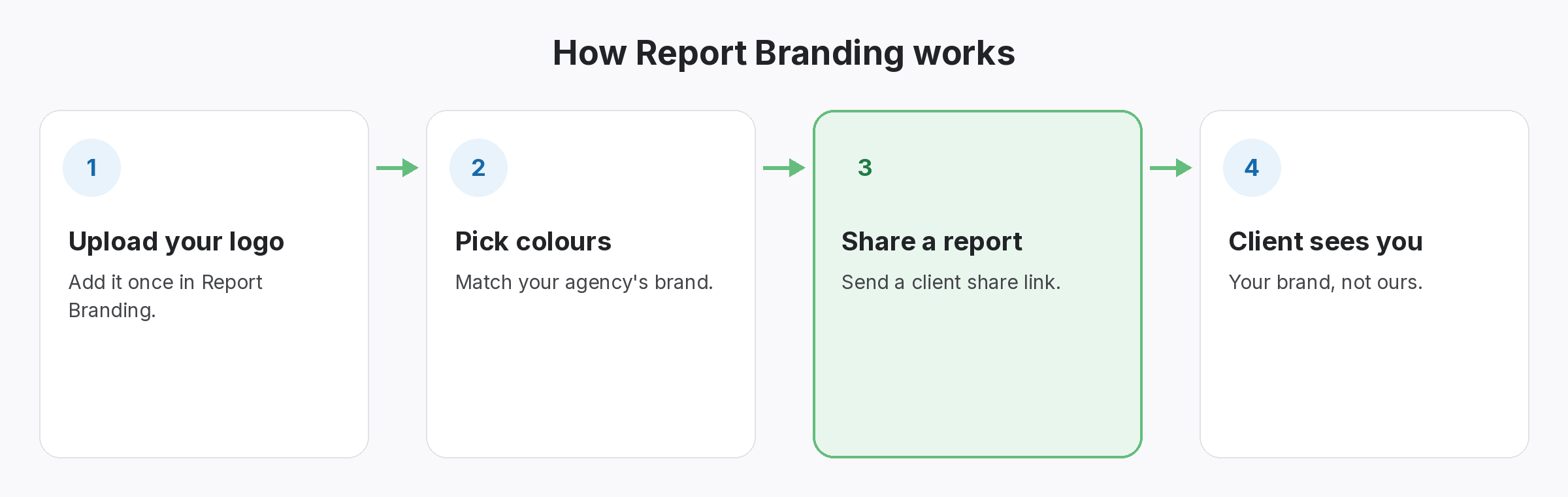
Four-step diagram of how Report Branding works in SEOENV: Upload your logo, Pick colours, Share a report, Client sees you
  • Upload your logo: Add it once in Report Branding.
  • Pick colours: Match your agency’s brand.
  • Share a report: Send a client share link.
  • Client sees you: Your brand, not ours.
Benefits

Why teams use Report Branding

Every benefit listed here is part of the live app today.

Tips

Getting the most from Report Branding

  • Use a logo with a transparent background so it looks clean on the report.
  • Pick colours that keep the statuses easy to read.
  • Open a share link yourself before sending it, to see what the client sees.
  • Pair branding with per-project share links so each report is focused.
Who it’s for

Who uses this.

What white label link reports should include

White label link reports should look like yours and still be honest about each link. Show the status and the Dofollow or Nofollow type, and if a client asks why a link is nofollow, Google’s page on qualifying outbound links explains it.

Related: Client share links, Link Status Report, Invoice Generator; solutions: client reports and invoices, agency link management; or see all features.

Related

Related features and solutions

FAQ

Questions about Report Branding

It adds your logo and colours to shared reports and removes mentions of SEOENV from them.
See the pricing page for which plans include Report Branding.
No. You set it once and it applies to your shared reports.
No. Branded shared reports carry your logo and colours rather than SEOENV’s name.

Send reports in your own brand.

Start free and see the pricing page for Report Branding.

Free plan: 20 links, 2 clients, 2 projects. Paid plans from $29/mo.