
Anchor Text Heatmap

Anchor text heatmap for a safer anchor mix

The anchor text heatmap groups the anchors across a client’s links and flags over-optimised exact-match anchors, so you can rebalance early.

Free plan: 20 links, 2 clients, 2 projects. Paid plans from $29/mo.

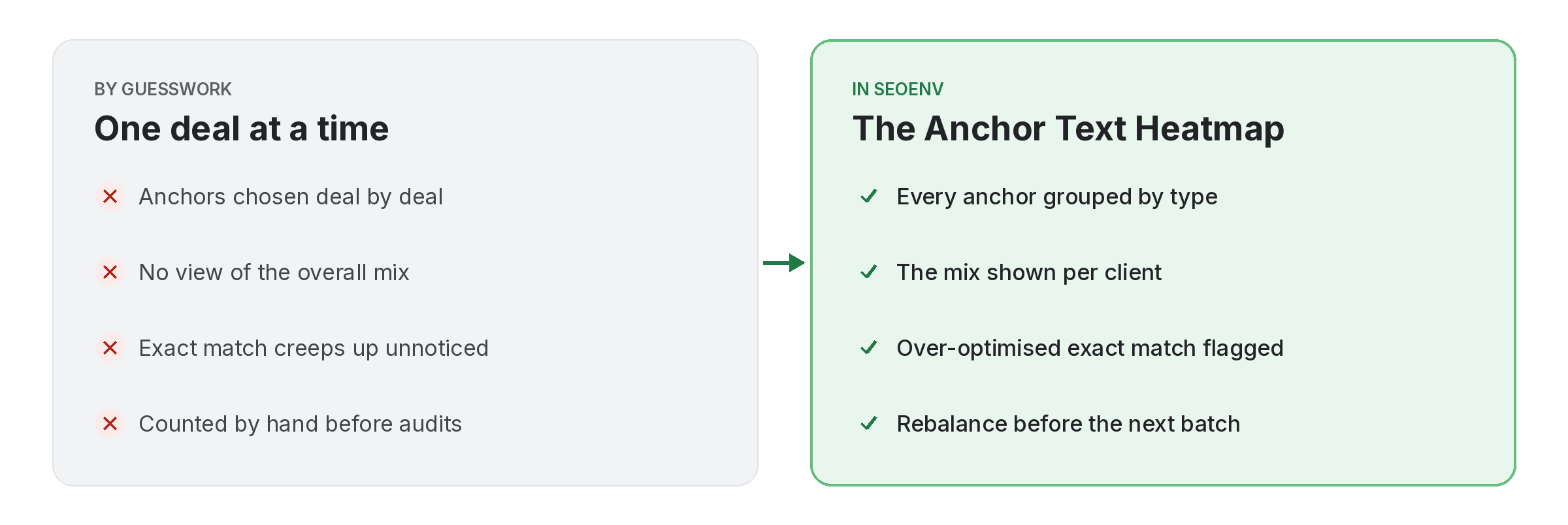
Comparison of tracking anchor text heatmap work by hand versus with Anchor Text Heatmap in SEOENV

Anchors are chosen one deal at a time, so nobody sees the overall mix until it is skewed. The Anchor Text Heatmap groups every anchor you have logged for a client by type: branded, URL, partial match and exact match.

When exact-match anchors make up too much of the mix, the heatmap flags them as over-optimised. You can then steer the next batch of guest posts or swaps toward branded and URL anchors.

Anchor Text Heatmap does not work alone. It shares data with Guest Posts, which handles pitched, Accepted, Writing, Published or Rejected; Link Tracker, which handles every link from every module in one filterable table; and ROI Calculator, which handles spend versus link value and exchange savings. Because every module writes to the same account, a link you log once can be checked, reported on and analysed without retyping it.
How it works

Anchor Text Heatmap in four steps

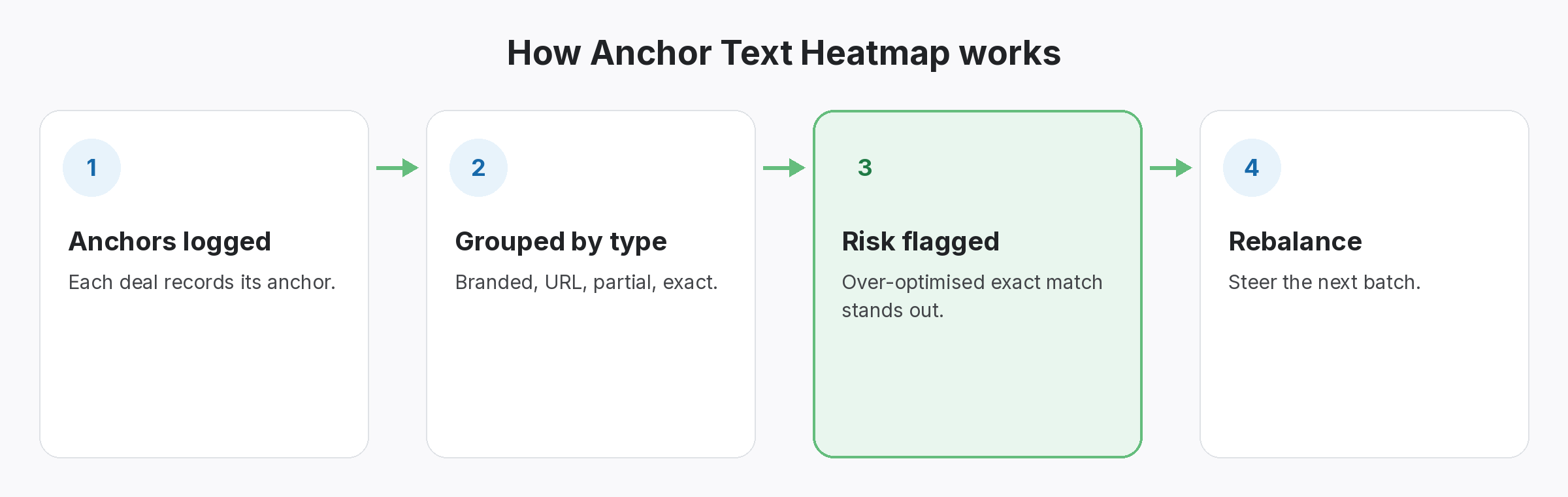
Four-step diagram of how Anchor Text Heatmap works in SEOENV: Anchors logged, Grouped by type, Risk flagged, Rebalance
  • Anchors logged: Each deal records its anchor.
  • Grouped by type: Branded, URL, partial, exact.
  • Risk flagged: Over-optimised exact match stands out.
  • Rebalance: Steer the next batch.
Benefits

Why teams use Anchor Text Heatmap

Every benefit listed here is part of the live app today.

Tips

Getting the most from Anchor Text Heatmap

  • Look at the heatmap before you agree anchors for the next batch of posts or swaps.
  • Lean on branded and URL anchors when exact match is flagged.
  • Record anchors accurately on every deal; the heatmap is only as good as the data.
  • Check each client separately, since every site has its own mix.
Who it’s for

Who uses this.

Reading an anchor text heatmap

An anchor text heatmap is a check on your mix, not a target. Google’s guidance on writing good anchor text favours descriptive, natural wording, so a mix led by branded and URL anchors is usually the safer one.

Related: Guest Posts, Link Tracker, ROI Calculator; solutions: anchor text analysis, guest post and listing tracking; or see all features.

Related

Related features and solutions

FAQ

Questions about Anchor Text Heatmap

The anchors across a client’s links, grouped as branded, URL, partial match and exact match.
Too many exact-match anchors in the mix, which is the pattern most likely to look unnatural.
From the anchors you record on exchanges, paid collaborations, guest posts and listings.
The Anchor Text Heatmap, with over-optimisation alerts, is included on Growth ($149 a month) and Enterprise.
No. It shows your mix so you can choose better anchors for future links.

See your anchor mix before it is a problem.

The heatmap is included on Growth and Enterprise.

Free plan: 20 links, 2 clients, 2 projects. Paid plans from $29/mo.