
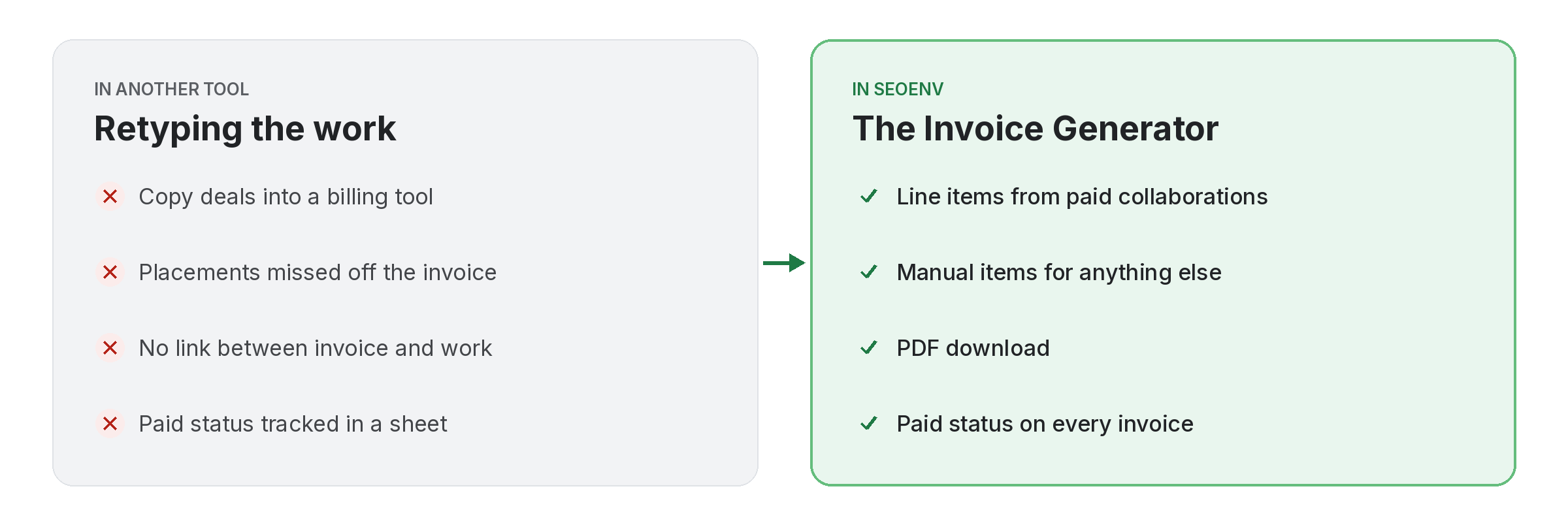
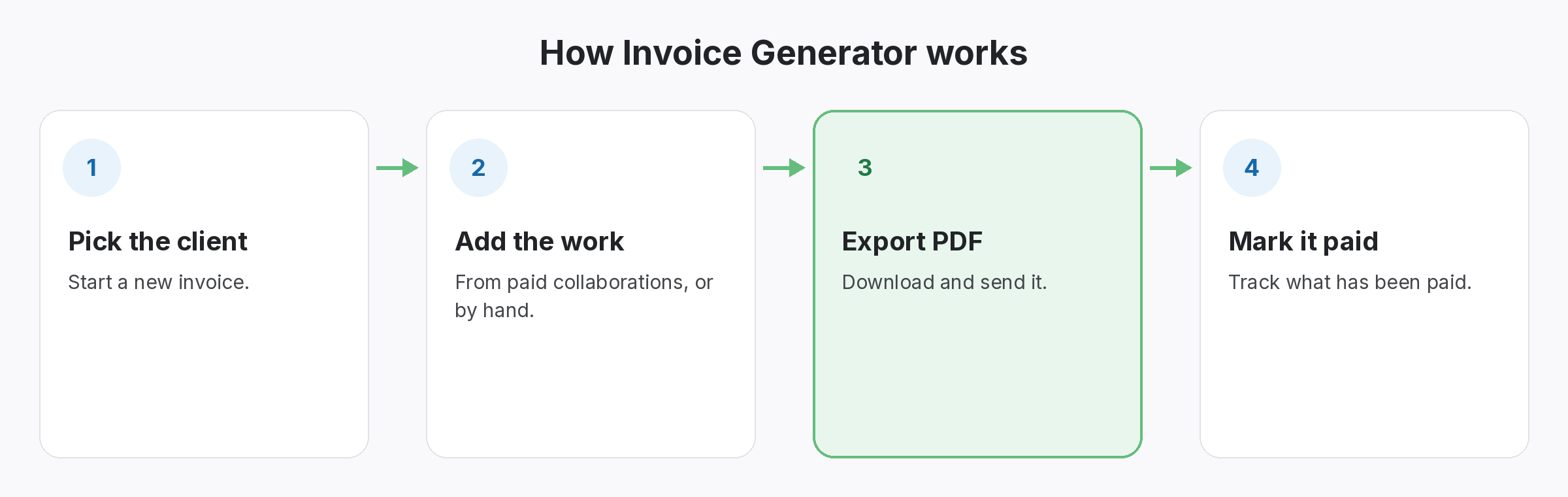
Billing usually happens in a separate tool, which means retyping the work you already logged. The Invoice Generator builds invoices from the same records: pick the paid collaborations for a client and they become line items.
You can also add items manually for work that is not a paid placement. Mark invoices as paid when the money arrives and download a PDF to send.
Invoice Generator does not work alone. It shares data with Paid Collaborations, which handles vendor, cost, payment status and the live link; ROI Calculator, which handles spend versus link value and exchange savings; and Report Branding, which handles your logo and colours on the reports clients see. Because every module writes to the same account, a link you log once can be checked, reported on and analysed without retyping it.
Why teams use Invoice Generator
Every benefit listed here is part of the live app today.
Getting the most from Invoice Generator
Who uses this.
What an invoice generator should put on each invoice
An invoice generator saves time, but the invoice still needs the right details. Rules vary by country; the UK government’s guide to what an invoice must include is a useful checklist even if you bill elsewhere.
Related: Paid Collaborations, ROI Calculator, Report Branding; solutions: client reports and invoices, paid link tracking and roi; or see all features.
