
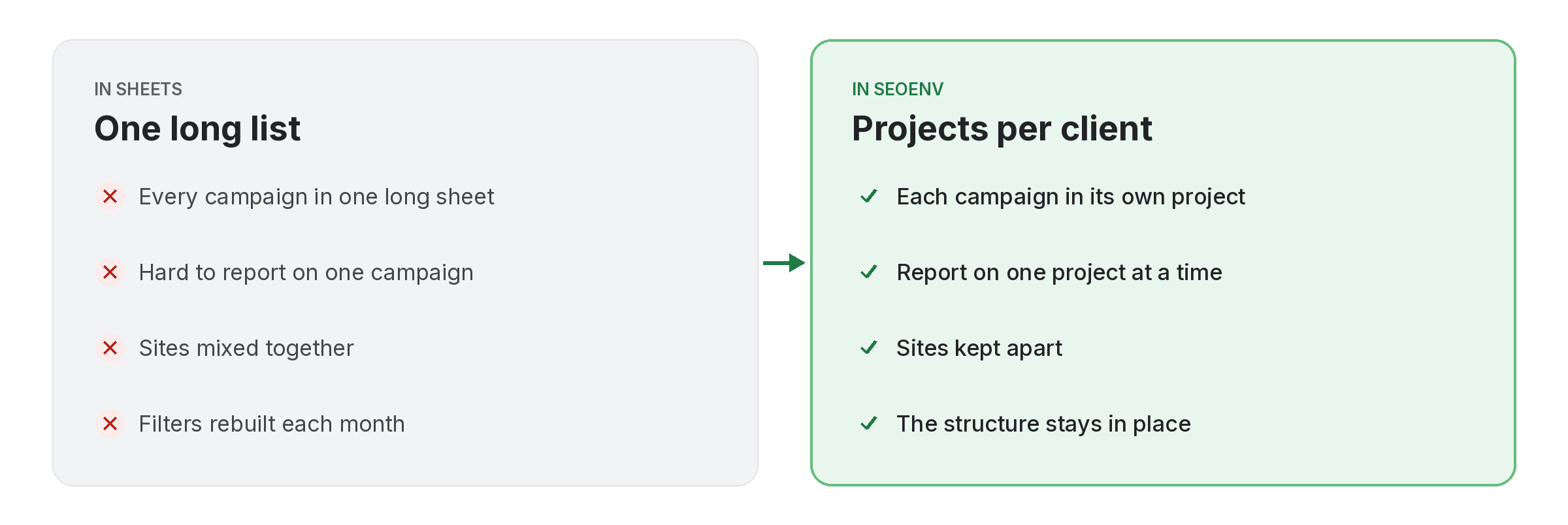
One client can have several sites, several campaigns or several goals. Projects let you split a client’s work so each campaign has its own list of links and deals.
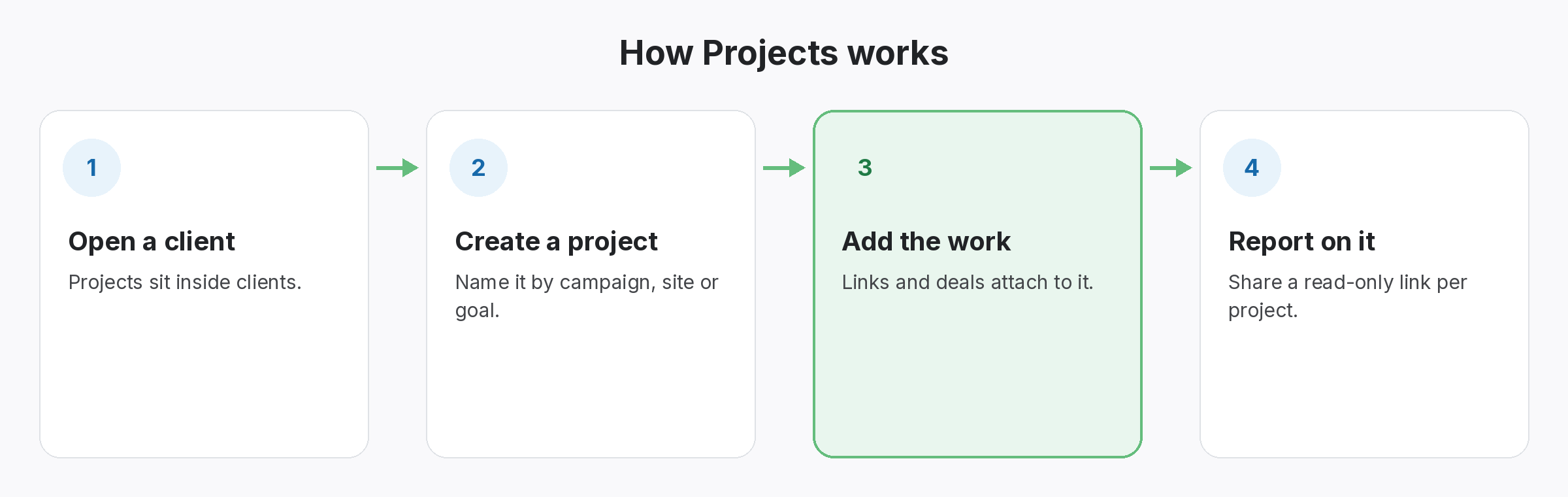
Projects sit inside clients. You can work on one project at a time, and client share links are created per project, so a client sees exactly the campaign you are reporting on.
Projects does not work alone. It shares data with Clients, which handles every link tied to the client it was built for; Client share links, which handles a read-only report link. No client login needed; and Link Tracker, which handles every link from every module in one filterable table. Because every module writes to the same account, a link you log once can be checked, reported on and analysed without retyping it.
Why teams use Projects
Every benefit listed here is part of the live app today.
Getting the most from Projects
Who uses this.
Structuring link building projects for reporting
Splitting link building projects by campaign makes it easier to explain each link to a client. A client’s first question is often whether a link is relevant, and Google’s guide to people-first content is a good standard to answer it against.
Related: Clients, Client share links, Link Tracker; solutions: agency link management, client reports and invoices; or see all features.
