
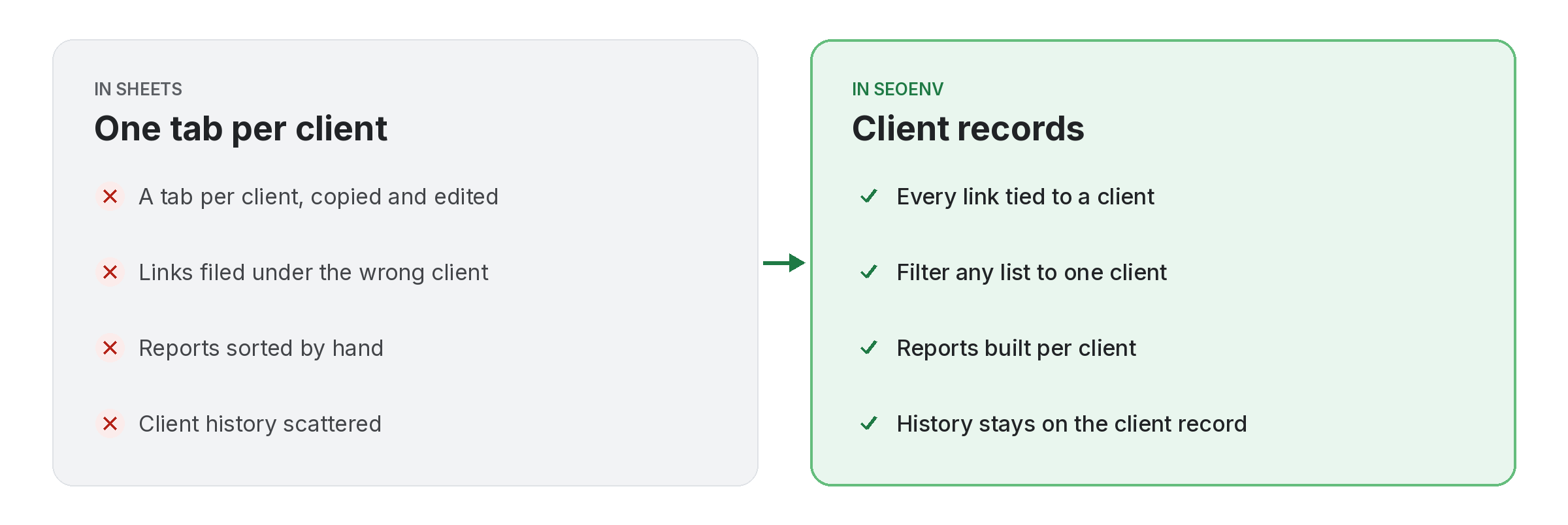
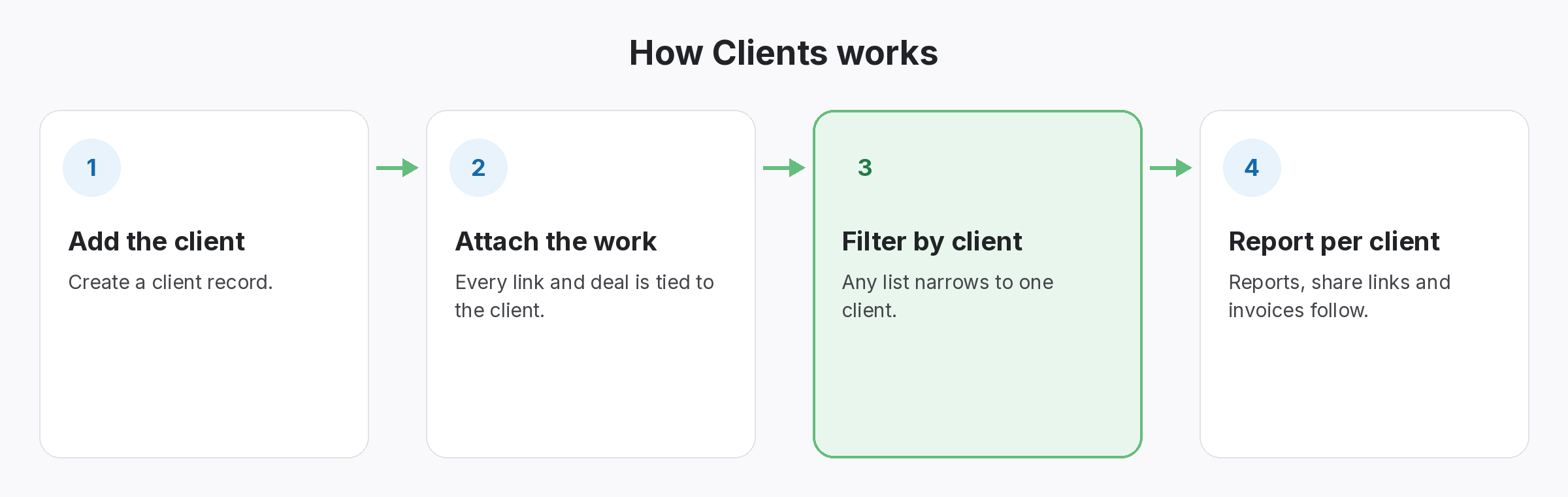
If links are not tied to clients, every report starts with sorting. In SEOENV, each client has a record, and every link, exchange, paid placement, guest post and listing is attached to one.
That makes everything else per client: the Link Status Report, the Anchor Text Heatmap, the ROI Calculator, share links and invoices. You can filter any list to one client and search for a domain.
Clients does not work alone. It shares data with Projects, which handles group a client’s links by campaign or site; Partners, which handles contacts, terms and every deal with each partner; and CSV import & export, which handles bring your sheets in and take your data out. Because every module writes to the same account, a link you log once can be checked, reported on and analysed without retyping it.
Why teams use Clients
Every benefit listed here is part of the live app today.
Getting the most from Clients
Who uses this.
Good SEO client management keeps records separate
SEO client management starts with keeping each client’s links separate. That separation also helps when a client asks about a link they did not expect; you can point to the record and to Google’s link spam policies you worked within.
Related: Projects, Partners, CSV import & export; solutions: agency link management, client reports and invoices; or see all features.
