
Link Status Report

Link Status Report: see which links need attention

The Link Status Report groups the results of your link checks by client, so you can see at a glance which links are Active, Pending, Lost or Broken.

Free plan: 20 links, 2 clients, 2 projects. Paid plans from $29/mo.

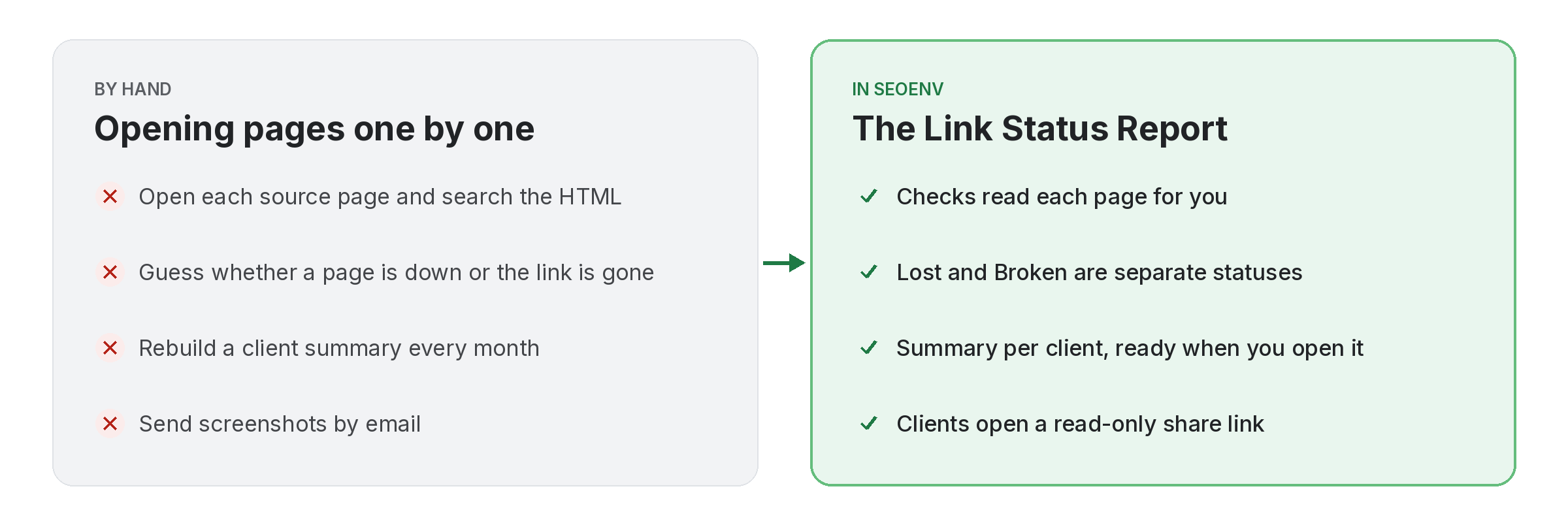
Comparison of tracking link status report work by hand versus with Link Status Report in SEOENV

A list of links is not the same as a list of problems. The Link Status Report takes the results of each check and shows them per client, with a summary at the top and the links that changed underneath.

Lost means the page still loads but your link has gone. Broken means the page itself no longer loads. Pending means the link has been logged but not checked yet. Next to each status you see the type: Dofollow, Nofollow or Unknown.

Link Status Report does not work alone. It shares data with Link Tracker, which handles every link from every module in one filterable table; Client share links, which handles a read-only report link. No client login needed; and Usage, which handles see how much of your plan you are using. Because every module writes to the same account, a link you log once can be checked, reported on and analysed without retyping it.
How it works

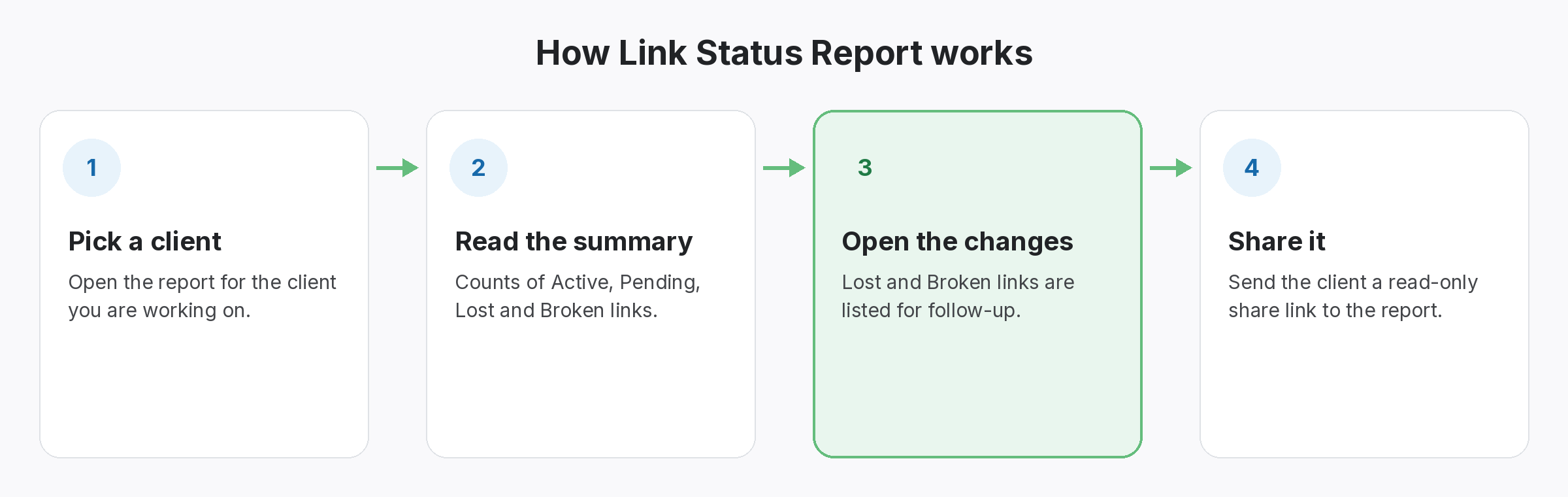
Link Status Report in four steps

Four-step diagram of how Link Status Report works in SEOENV: Pick a client, Read the summary, Open the changes, Share it
  • Pick a client: Open the report for the client you are working on.
  • Read the summary: Counts of Active, Pending, Lost and Broken links.
  • Open the changes: Lost and Broken links are listed for follow-up.
  • Share it: Send the client a read-only share link to the report.
Benefits

Why teams use Link Status Report

Every benefit listed here is part of the live app today.

Tips

Getting the most from Link Status Report

  • Open the report for one client at a time before each status call, so you have the facts ready.
  • Treat Broken links as a site problem and Lost links as a partner problem; the follow-up email is different.
  • Run Check all first if you need the latest picture before the next daily check.
  • Send the share link rather than a screenshot, so the client always sees the current statuses.
Who it’s for

Who uses this.

Related

Related features and solutions

FAQ

Questions about Link Status Report

Lost means the page loads but your link is no longer on it. Broken means the page your link sat on no longer loads.
The link has been logged but has not been checked yet. Run Check all to check it now.
Starter, Growth and Enterprise run automatic daily link checks. On the Free plan you run checks yourself with Check all, and any plan can run Check all at any time.
The Link Status Report is included from the Starter plan ($29 a month). The Free plan has manual checks in the Link Tracker.
Yes. You can send a read-only client share link, so the client does not need an account.

Know which links still count.

Track your first 20 links free, then add daily checks from $29 a month.

Free plan: 20 links, 2 clients, 2 projects. Paid plans from $29/mo.
