
Usage and Check all

Check all links in one click, and see your plan usage

Check all links in your account at once with Check all, and keep an eye on your plan on the Usage page.

Free plan: 20 links, 2 clients, 2 projects. Paid plans from $29/mo.

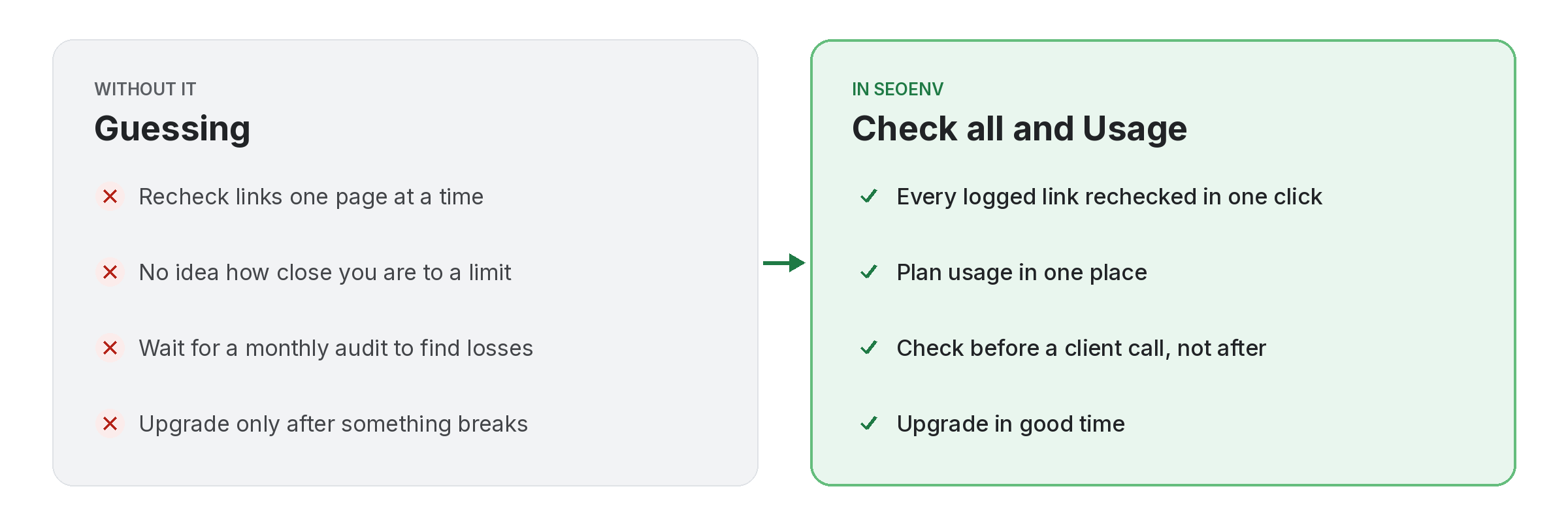
Comparison of tracking usage and check all work by hand versus with Usage and Check all in SEOENV

Check all does what it says: it rechecks every link you have logged, in one go. Each check looks for your link on the source page and reads its type. On the Free plan this is how you check links; on paid plans it sits alongside the automatic daily checks, for when you want an answer now.

The Usage page shows how much of your plan you are using, so you can see when you are getting close to your limits and decide on an upgrade in good time.

Usage and Check all does not work alone. It shares data with Link Tracker, which handles every link from every module in one filterable table; Link Status Report, which handles active, Pending, Lost and Broken links, per client; and Dashboard, which handles your whole account at a glance when you log in. Because every module writes to the same account, a link you log once can be checked, reported on and analysed without retyping it.
How it works

Usage and Check all in four steps

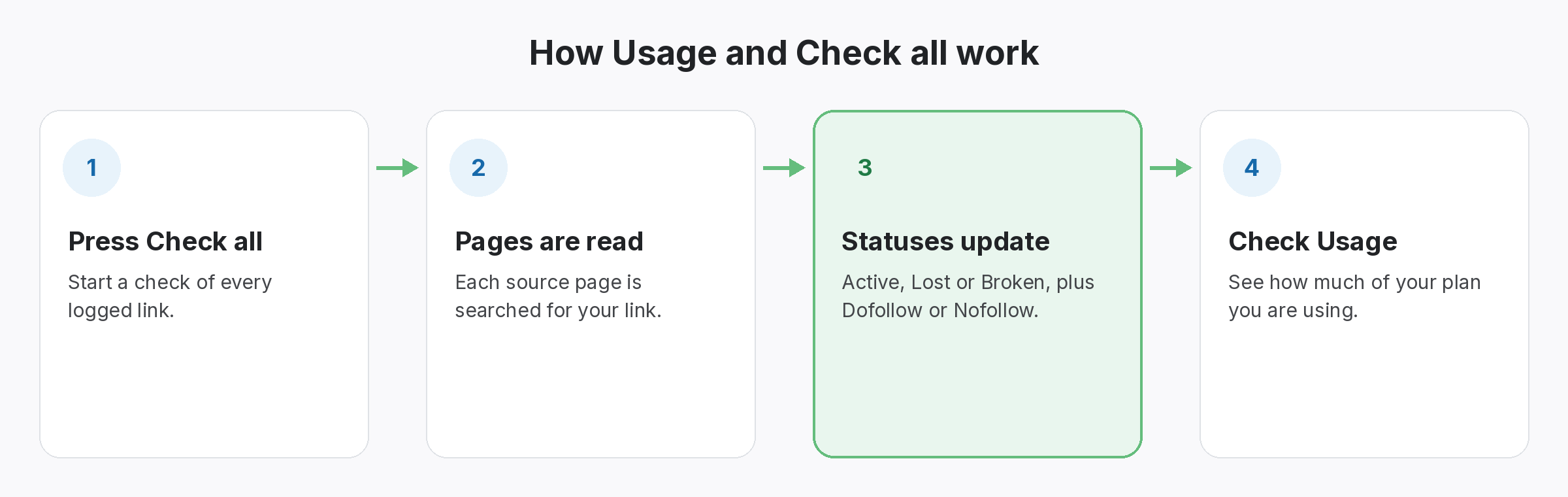
Four-step diagram of how Usage and Check all works in SEOENV: Press Check all, Pages are read, Statuses update, Check Usage
  • Press Check all: Start a check of every logged link.
  • Pages are read: Each source page is searched for your link.
  • Statuses update: Active, Lost or Broken, plus Dofollow or Nofollow.
  • Check Usage: See how much of your plan you are using.
Benefits

Why teams use Usage and Check all

Every benefit listed here is part of the live app today.

Tips

Getting the most from Usage and Check all

  • Run Check all before a client report, a vendor payment or a swap renewal.
  • On the Free plan, set a habit, such as every Monday, since checks only run when you start them.
  • Look at Usage before adding a new client, so you know whether you have room.
  • If you are close to 20 links, Starter raises the limit to 500 and adds daily automated checks.
Who it’s for

Who uses this.

When to check all links rather than wait

It makes sense to check all links before you report to a client, pay a vendor or renew a swap. Each check reads the link’s rel value as Google describes it in its guide to qualifying outbound links, so you see the type as well as whether the link is there.

Related: Link Tracker, Link Status Report, Dashboard; solutions: backlink monitoring, backlink spreadsheet alternative; or see all features.

Related

Related features and solutions

FAQ

Questions about Usage and Check all

It rechecks every link you have logged in your account, reading whether your link is on the page and whether it is Dofollow or Nofollow.
Yes. On the Free plan, checks are manual and on demand, and Check all is how you run them.
Paid plans run automatic daily checks. Check all is still there when you want an answer before the next daily check.
It shows how much of your plan you are using.
20 tracked links, 2 clients, 2 projects, 5 partners and 25 Site Inventory sites, with manual on-demand checks. Starter ($29 a month) raises this to 500 links, 10 clients and unlimited projects, partners and inventory, with daily automatic checks.

Check every link before it matters.

The Free plan checks 20 links on demand. Daily checks start at $29 a month.

Free plan: 20 links, 2 clients, 2 projects. Paid plans from $29/mo.