
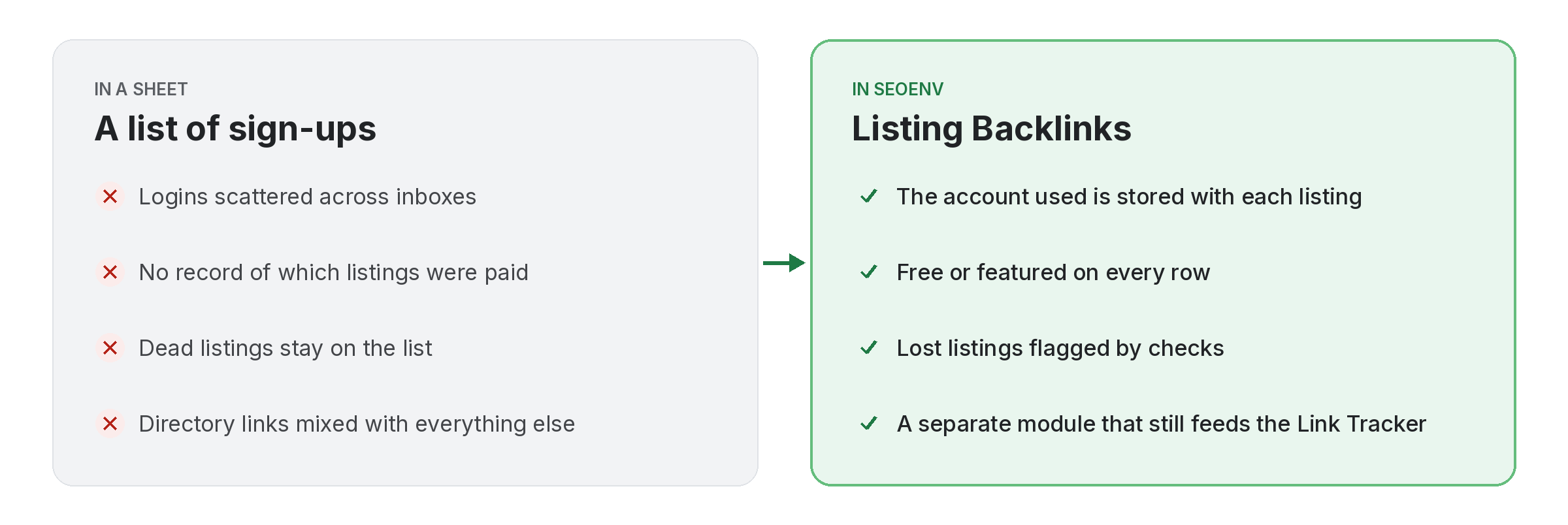
Directory and profile links are easy to submit and easy to forget. A month later nobody remembers which email was used to sign up, whether the listing was paid, or whether it is still live. Listing Backlinks keeps that record.
Each listing stores the directory or profile URL, the type, the account used and whether it is free or featured. Like every other module, each listing also appears in the Link Tracker and gets checked, so a dropped listing shows as Lost.
Listing Backlinks does not work alone. It shares data with Link Tracker, which handles every link from every module in one filterable table; Guest Posts, which handles pitched, Accepted, Writing, Published or Rejected; and Clients, which handles every link tied to the client it was built for. Because every module writes to the same account, a link you log once can be checked, reported on and analysed without retyping it.
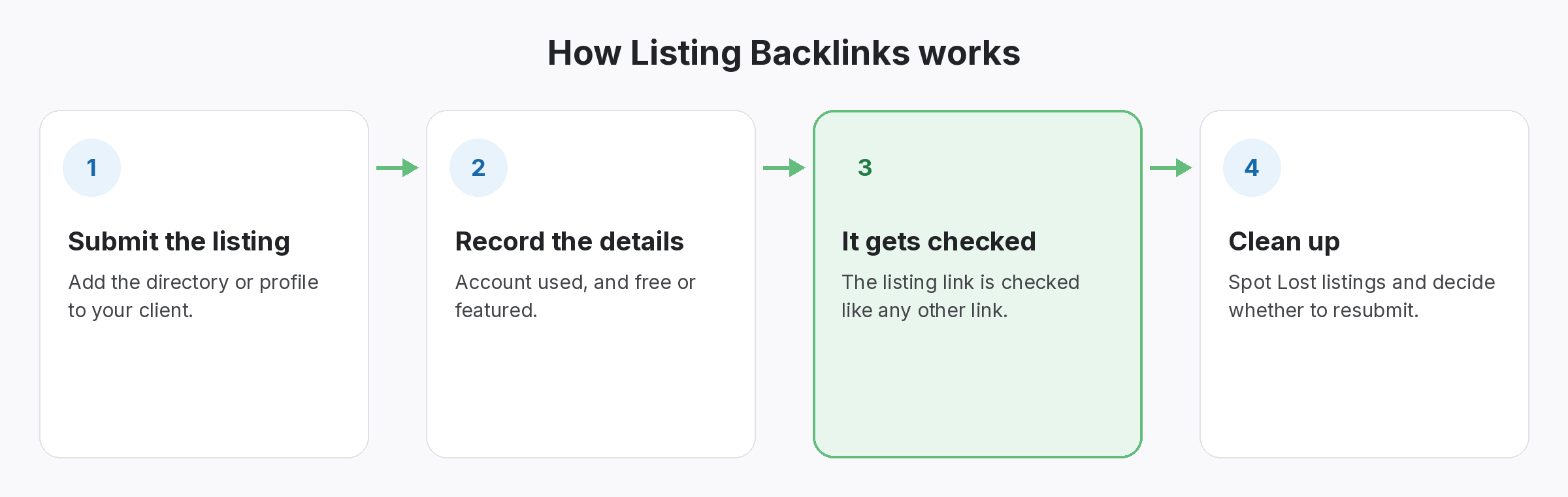
Why teams use Listing Backlinks
Every benefit listed here is part of the live app today.
Getting the most from Listing Backlinks
Who uses this.
Keeping listing backlinks useful, not spammy
Listing backlinks are worth tracking because they need upkeep, but they are not a shortcut. Google’s link spam policies mention low-quality directory links, so submit to directories your customers actually use and record each one.
Related: Link Tracker, Guest Posts, Clients; solutions: guest post and listing tracking, backlink monitoring; or see all features.
