
Client share links

Client share links: reports without a client login

Client share links let you send a read-only link to a project’s report, so clients can see their links without creating an account.

Free plan: 20 links, 2 clients, 2 projects. Paid plans from $29/mo.

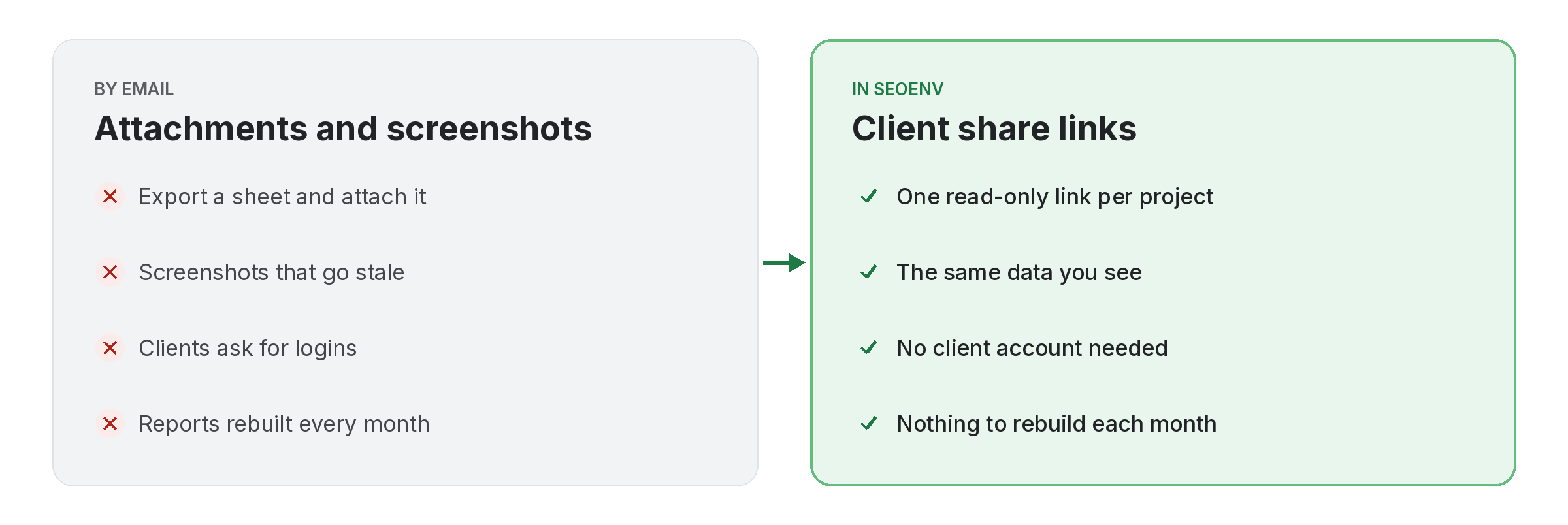
Comparison of tracking client share links work by hand versus with Client share links in SEOENV

Most clients do not want another login. Client share links give them a read-only page for one project, showing their links and statuses, which they can open from an email or a chat.

The link shows the same data you see, so there is nothing to rebuild each month. Add Report Branding and the page carries your logo and colours.

Client share links does not work alone. It shares data with Report Branding, which handles your logo and colours on the reports clients see; Projects, which handles group a client’s links by campaign or site; and Link Status Report, which handles active, Pending, Lost and Broken links, per client. Because every module writes to the same account, a link you log once can be checked, reported on and analysed without retyping it.
How it works

Client share links in four steps

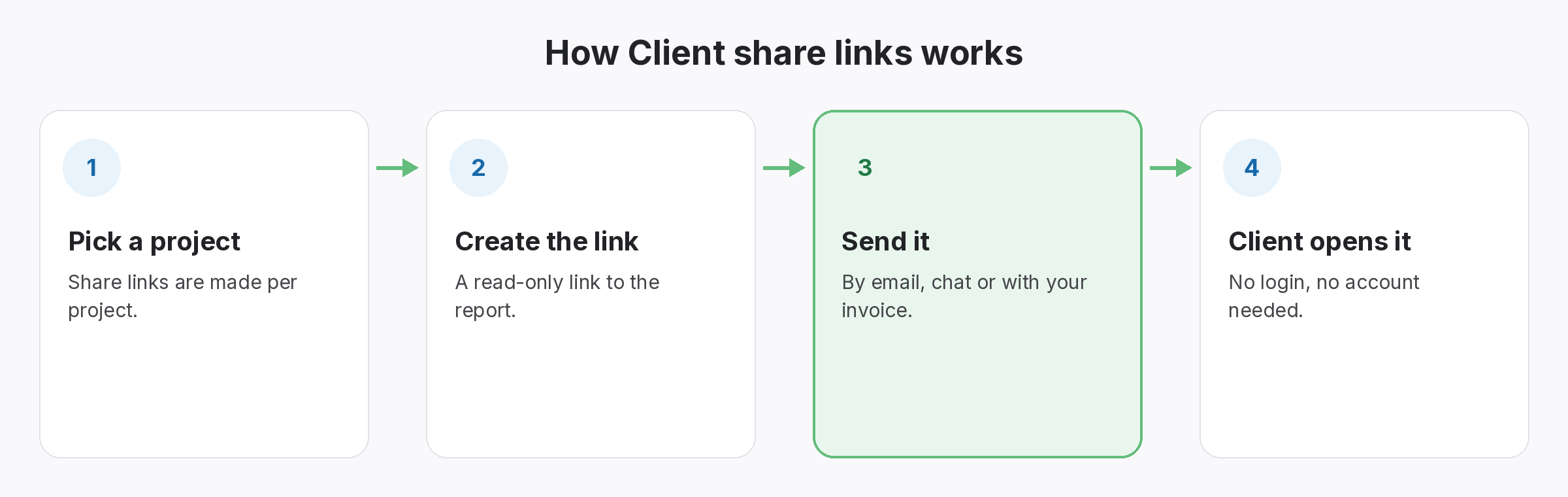
Four-step diagram of how Client share links works in SEOENV: Pick a project, Create the link, Send it, Client opens it
  • Pick a project: Share links are made per project.
  • Create the link: A read-only link to the report.
  • Send it: By email, chat or with your invoice.
  • Client opens it: No login, no account needed.
Benefits

Why teams use Client share links

Every benefit listed here is part of the live app today.

Tips

Getting the most from Client share links

  • Create a share link per project, so each report covers one campaign.
  • Send the same link each month; the data on it stays current.
  • Open the link yourself first to check what the client will see.
  • Add Report Branding if you want your logo on the page.
Who it’s for

Who uses this.

Related

Related features and solutions

FAQ

Questions about Client share links

A read-only link to a project’s report that a client can open without an account.
No. The link is read-only.
Public share reports are included on every plan, including Free.
Yes, with Report Branding. See the pricing page for which plans include it.
Share links are created per project, so a client with two projects can get two links.

Report with one link.

Share links are included on the Free plan.

Free plan: 20 links, 2 clients, 2 projects. Paid plans from $29/mo.