
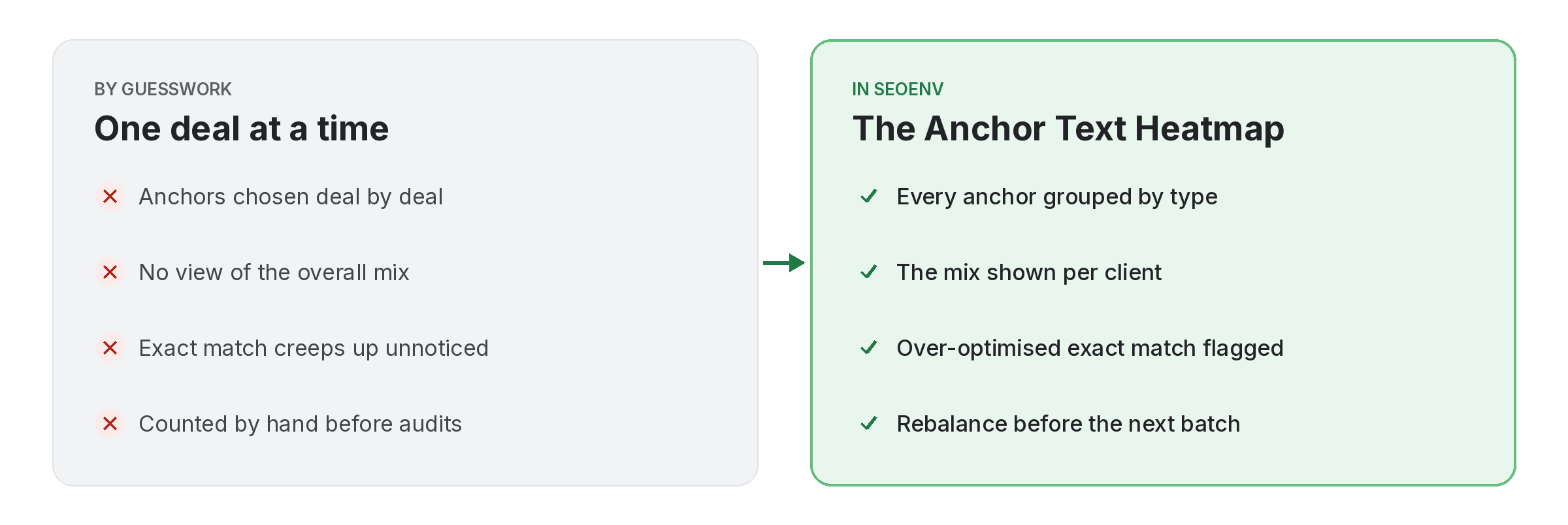
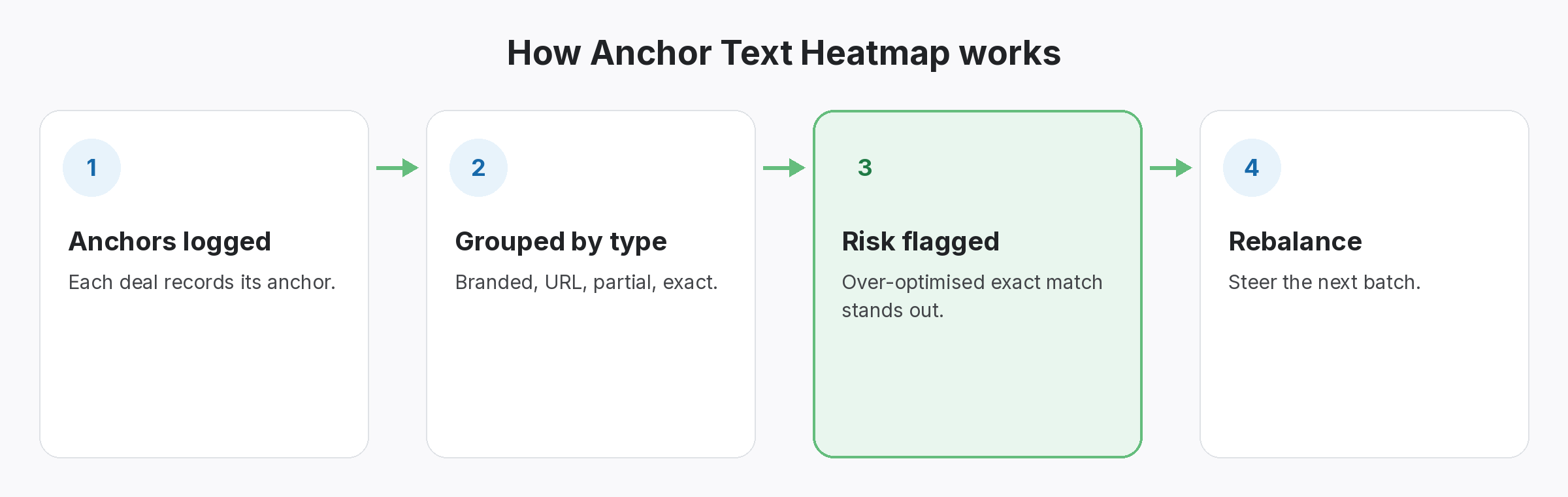
Anchors are chosen one deal at a time, so nobody sees the overall mix until it is skewed. The Anchor Text Heatmap groups every anchor you have logged for a client by type: branded, URL, partial match and exact match.
When exact-match anchors make up too much of the mix, the heatmap flags them as over-optimised. You can then steer the next batch of guest posts or swaps toward branded and URL anchors.
Anchor Text Heatmap does not work alone. It shares data with Guest Posts, which handles pitched, Accepted, Writing, Published or Rejected; Link Tracker, which handles every link from every module in one filterable table; and ROI Calculator, which handles spend versus link value and exchange savings. Because every module writes to the same account, a link you log once can be checked, reported on and analysed without retyping it.
Why teams use Anchor Text Heatmap
Every benefit listed here is part of the live app today.
Getting the most from Anchor Text Heatmap
Who uses this.
Reading an anchor text heatmap
An anchor text heatmap is a check on your mix, not a target. Google’s guidance on writing good anchor text favours descriptive, natural wording, so a mix led by branded and URL anchors is usually the safer one.
Related: Guest Posts, Link Tracker, ROI Calculator; solutions: anchor text analysis, guest post and listing tracking; or see all features.
